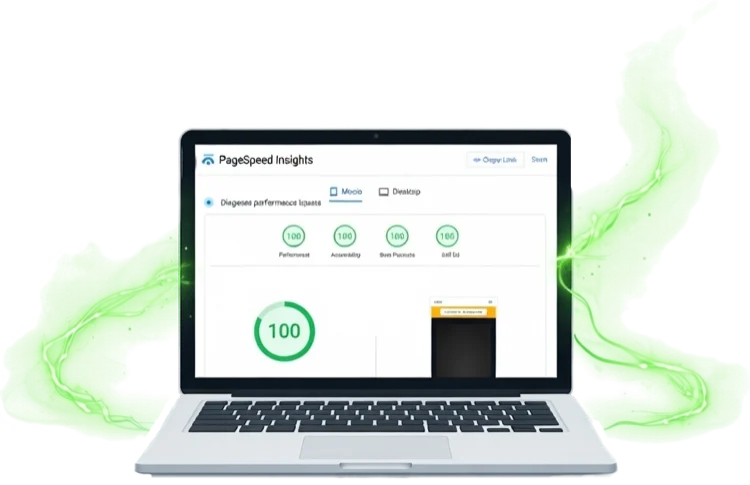
How We Score 100 100 100 100 on Google PageSpeed Insights — And Why It Matters
If you've ever Googled "PageSpeed Insights" — or maybe you couldn't quite remember the name and searched something like "Google website speed test"...
Convert any PNG, JPG, SVG or WebP image into a multi-size .ico favicon ready for every browser and search engine. Drop an image, preview the sizes, download.
Sitethreesixty is committed to privacy. We don't track you, set cookies, or store anything — we can't see your images and never could. This tool is completely free with no ads, no sign-up, and no popups.
How it works
Why this tool exists
Most browsers will use a PNG favicon declared in a <link rel="icon"> tag. But Bing's crawler — and some older browsers — still look for /favicon.ico at the root of your site. If it's not there, your favicon won't show up in Bing search results.
A proper .ico file bundles multiple sizes (16px, 32px, 48px) into one file, so browsers pick the best size for tabs, bookmarks, and shortcuts without any extra effort.
Developer Reference
Place favicon.ico at your site root and add the link tags below to your HTML <head>. The .ico covers legacy browsers and Bing; the PNG handles everything else.
<!-- Favicon — .ico for Bing + legacy, PNG for modern browsers -->
<link rel="icon" href="/favicon.ico" sizes="any">
<link rel="icon" type="image/png" sizes="32x32" href="/favicon-32x32.png">
<link rel="apple-touch-icon" sizes="180x180" href="/apple-touch-icon.png">
/favicon.ico by default — even without a <link> tag. Placing it at the root ensures Bing picks it up immediately.apple-touch-icon when users add your site to their home screen. A 180 × 180 PNG is the recommended size — no .ico needed for Apple devices.From the 360° View blog
Practical insights on building faster, more effective websites for small businesses.
If you've ever Googled "PageSpeed Insights" — or maybe you couldn't quite remember the name and searched something like "Google website speed test"...
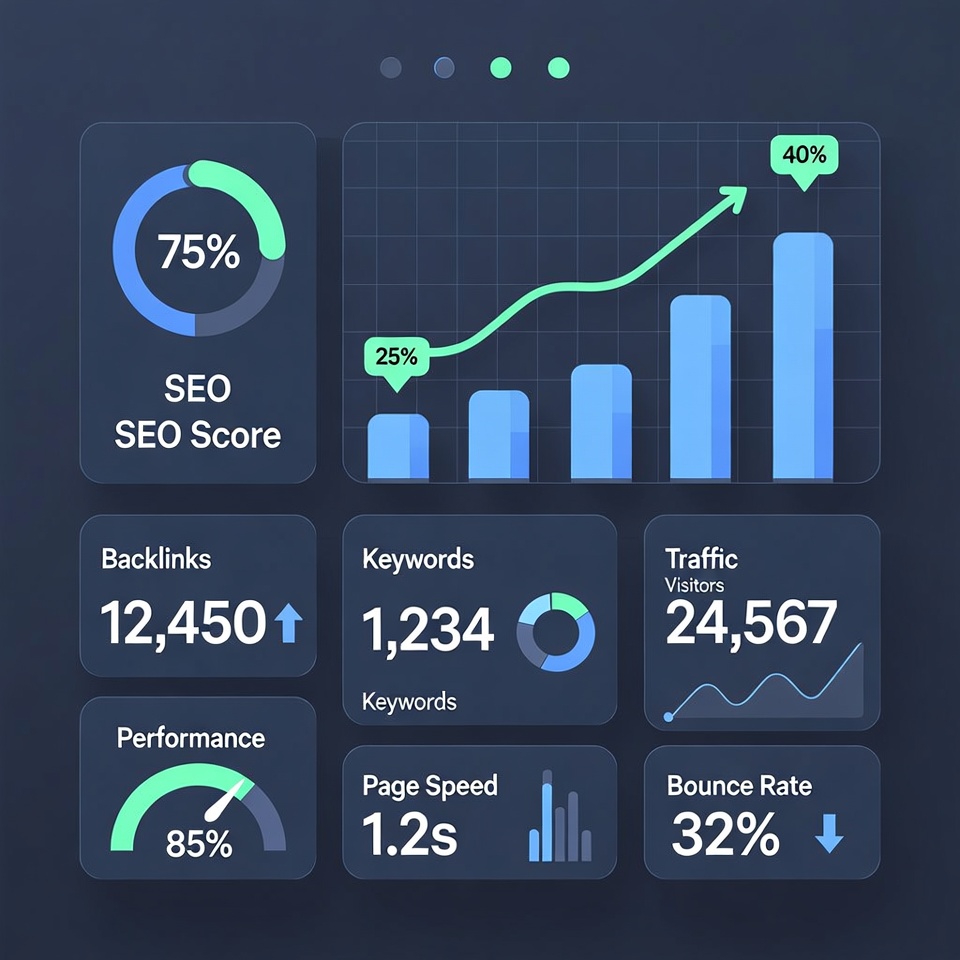
Discover how high-quality SEO content can transform your small business's online visibility. Get actionable tips to attract more customers and boost your search rankings.

The true cost of using WordPress for hosting in their own words and how there are better choices for small business owners.
Need to compress your images too? Our free AVIF converter turns JPG, PNG and WebP into next-gen AVIF — with responsive breakpoints and ready-to-paste code. No sign-up, no email, no limits.
Try our free AVIF Converter