Make Your Small Business Website Voice-Search Ready in 2026
Is Your Business Ready for the Voice-First Customer?
“Hey Google, find a plumber near me that’s open now and has good reviews.” This isn't just a tech trend; it’s how people search for local businesses today. According to the brand-new 2026 Consumer Search Report, a staggering 65% of all local searches are now voice-activated.
More than 58% of people use voice commands to find businesses nearby, with 76% of those queries including phrases like “near me.” The critical challenge? Voice assistants typically select just one answer to read aloud. If your website isn’t optimized, you risk becoming invisible, even if you offer the best service.
The good news? You don’t need an expensive agency or advanced technical skills to adapt. Most small business owners can make their site voice-search ready in a single weekend. Follow this checklist, and you’ll start appearing when customers literally speak their needs.
Understanding 'Voice-Search Ready' for Your Small Business
What does it mean for your website to be “voice-search ready”? Simply put, it means your site's content and structure are designed for voice assistants like Google Assistant or Siri to easily understand and present. They need to extract the most relevant information and confidently offer it as the best answer to a spoken query.
People now ask full, natural language questions, not just keywords. For example, “What time does the hair salon in [your town] open on Saturday?” If your website provides clear, concise, and direct answers to these questions quickly, you win the customer. If not, your competitor does.
Your 11-Step Voice Search Optimization Checklist
Ready to make your website speak Google’s language? This actionable checklist is designed for small business owners and requires no advanced technical expertise. Tackle these steps, ideally in order, to start seeing results.
- 1. Write Like People Talk: This is often the biggest oversight. Stop using formal, textbook language. Instead, incorporate the exact questions your customers ask out loud into your headings and content. For instance, replace “Opening Hours” with “What time does [Your Business Name] open on Sundays?”
- 2. Provide Direct, Short Answers at the Top: Voice assistants love answers they can read in 2–3 sentences. Place concise answers immediately under relevant headings. Example: For “Is [Your Coffee Shop] open now?”, the answer could be: “Yes, we’re open today until 6 PM. We have plenty of outdoor seating and fresh pastries baked this morning.”
- 3. Create a Simple FAQ Page (or Section): This is highly impactful. Develop a dedicated “Frequently Asked Questions About [Your Business]” page, or integrate clear FAQ sections within your main service pages. List 10–15 genuine questions your customers frequently ask you.
- 4. Embed Your Location Everywhere: Voice searches are overwhelmingly local. Naturally weave phrases like “near me,” “in [Your Town],” or “closest to [neighbourhood]” throughout your site. Include these in headings, opening paragraphs, and image alt text.
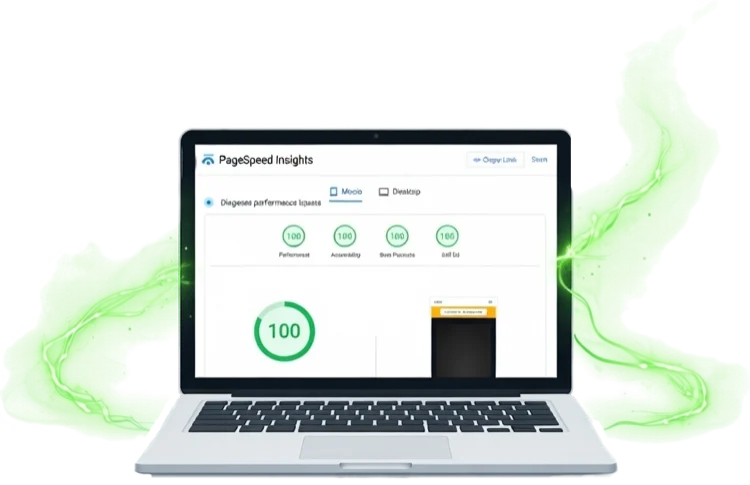
- 5. Ensure Lightning-Fast Mobile Speed: Voice searches almost always happen on phones. If your site takes over 3 seconds to load, you lose. Compress images (use tinyjpg.com), remove unnecessary plugins, and test speed at Google PageSpeed Insights, aiming for 90+ on mobile.
- 6. Claim and Perfect Your Google Business Profile: This step is non-negotiable, as voice assistants pull information from here first. Ensure your Name, Address, Phone number (NAP) is 100% consistent with your website. Gather recent 5-star reviews, post weekly updates, and keep hours rigorously accurate.
- 7. Add Free “Schema Markup”: This tiny piece of code tells Google exactly what information on your page means. You don’t need to write code; for WordPress, use a free plugin like “Schema & Structured Data for WP.” Squarespace/Wix FAQ blocks often generate it automatically. Focus on LocalBusiness schema for your homepage and FAQPage schema for your FAQ page.
- 8. Utilize Short Paragraphs and Bullet Points: Voice assistants read concise sentences and bullet points beautifully. Break up large blocks of text into short, 2–3 sentence paragraphs and use bulleted lists whenever appropriate for clarity.
- 9. Optimize Your Homepage for the Big Question: At the very top of your homepage, directly address the most common voice search query for your business. Think: “Best [your industry] near me in [your town] that is [open now / affordable / highly rated].” Answer this core question within your first 100 words.
- 10. Maintain 100% Information Consistency: Google prioritises reliable information. Verify that your website, Google Business Profile, social media, and any online directories all display identical business information. Discrepancies create confusion and can hurt your visibility.
- 11. Test It Yourself Regularly: After implementing changes, put them to the test! Grab your phone and speak out loud: “Hey Google, [exact question someone would ask about your business].” See if your business is read out as the answer. Make this a monthly habit.

Real-World Impact: A Plumber's Success Story
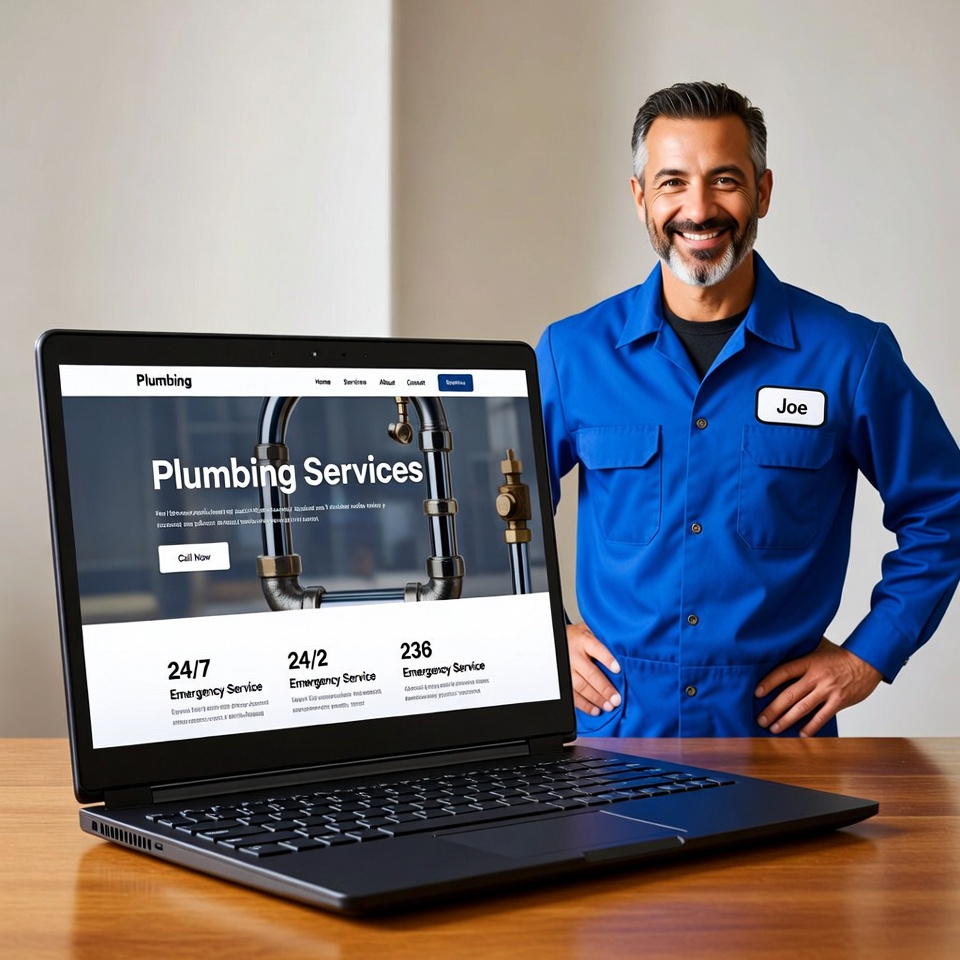
Consider the case of a local plumber in London. Before optimizing, his site featured generic “Services” and “Contact Us” pages and rarely appeared in voice search results. After just one weekend of applying these 11 steps, his fortunes changed dramatically.
His website now ranks for queries like “emergency plumber near me open now in South London.” This transformation brought him 3–4 extra call-outs per week directly from voice searches, all achieved at zero additional cost. It demonstrates the tangible, immediate benefits of making your site voice-search ready.
Start Today: Don't Let Customers Talk Past Your Business
You don’t have to implement all these changes today, but starting is crucial. Prioritize steps 1, 2, 3, and 6 – mastering these alone will put you ahead of most small businesses. Voice search isn’t a future trend; it’s a dominant reality in 2026, and its influence is only growing.
By dedicating a weekend to these practical optimizations, you ensure your business isn't overlooked by customers actively searching by voice. It’s time to make your website truly speak to your audience and the search engines.
Need a quick check-up for your site? Drop your website URL in the comments below, and I’ll tell you the top 3 things to fix first – absolutely free. Or, share this post with another small business owner who needs their website to ‘speak’ Google’s language!